Grain Orientation Tool
Click on a panel face to rotate the wood grain orientation by 90°.
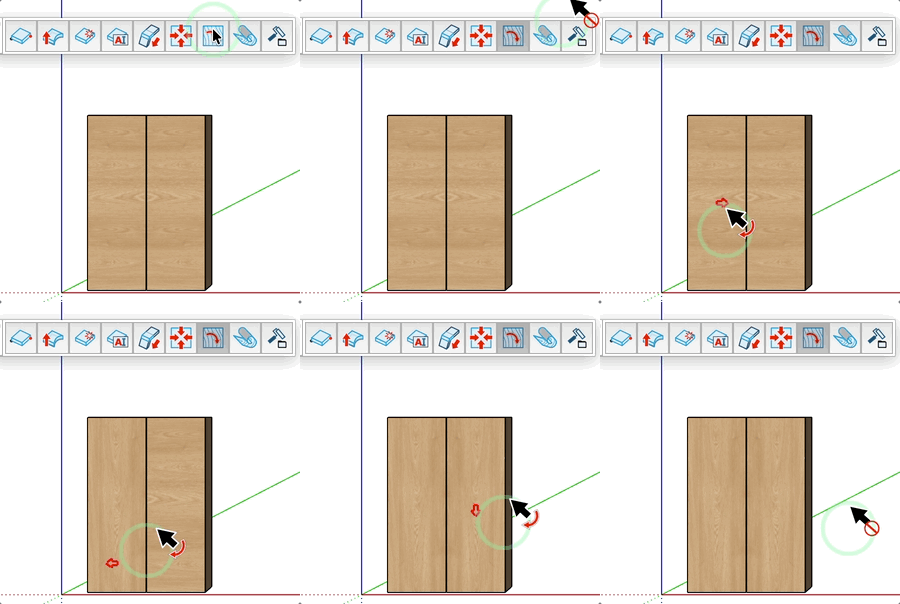
How it works
- Hover over a panel — the current grain direction arrow is displayed on its face
- Click on the reference face or opposite face of the panel
- The grain orientation rotates 90°
Keys
- Esc = Cancel the operation
Tips
- The tool only works on horizontal faces (reference face or opposite face of the panel)
- Each click rotates the grain by 90° — click multiple times to cycle through all orientations
- The grain direction is used for CNC export and material optimisation