Target Audience

Carpentry
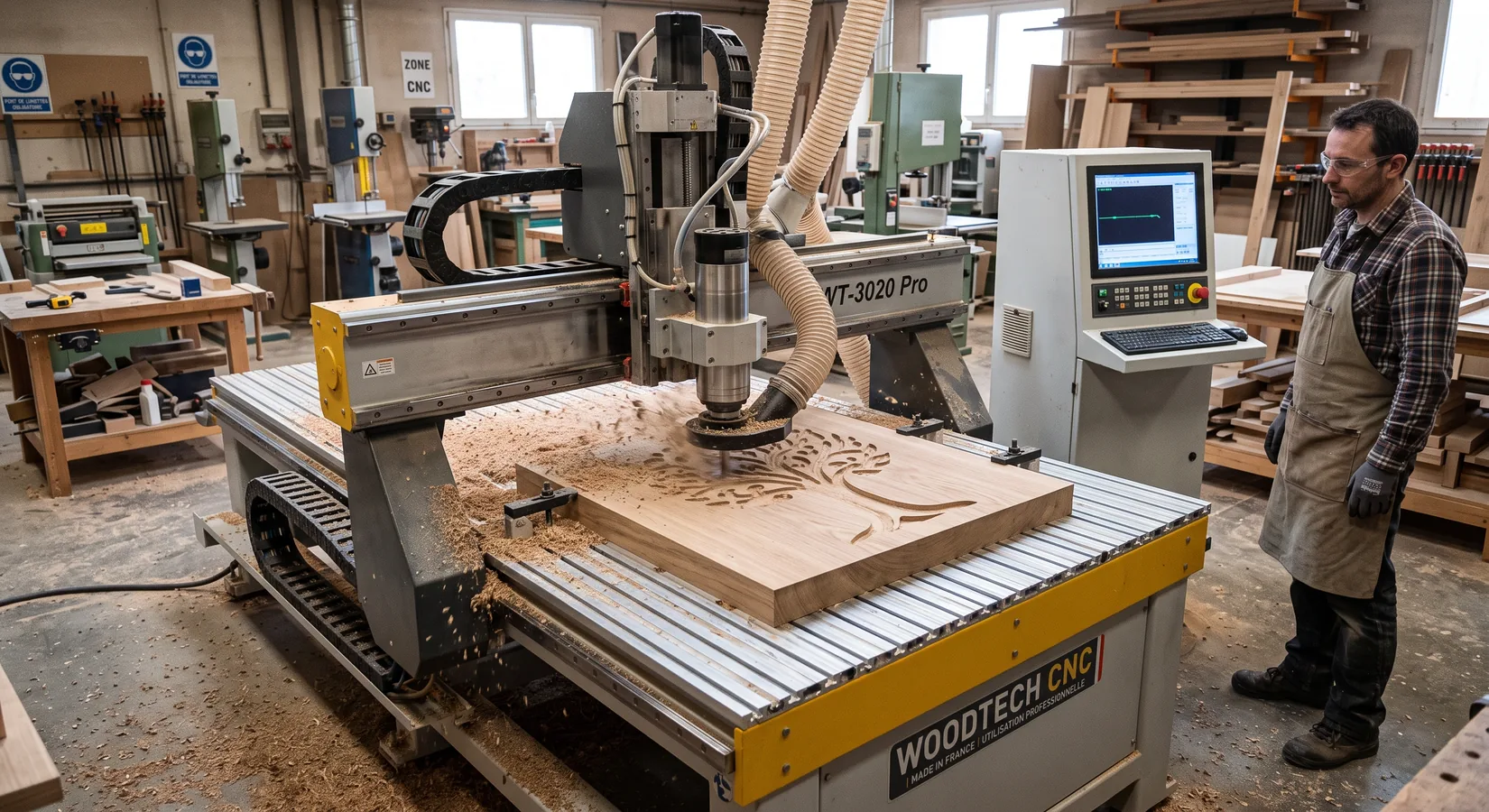
CNC manufacturing
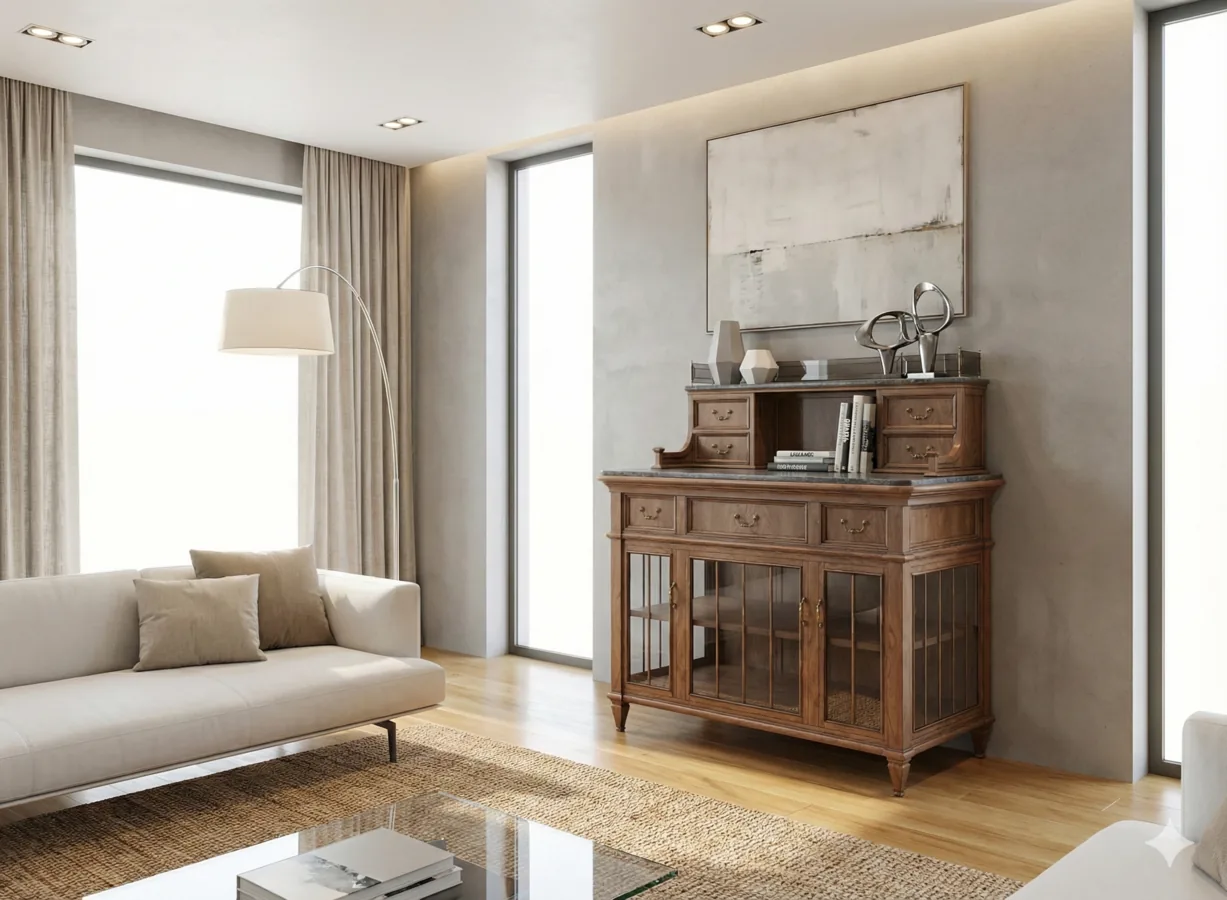
Click on the blue points to discover our tools in action
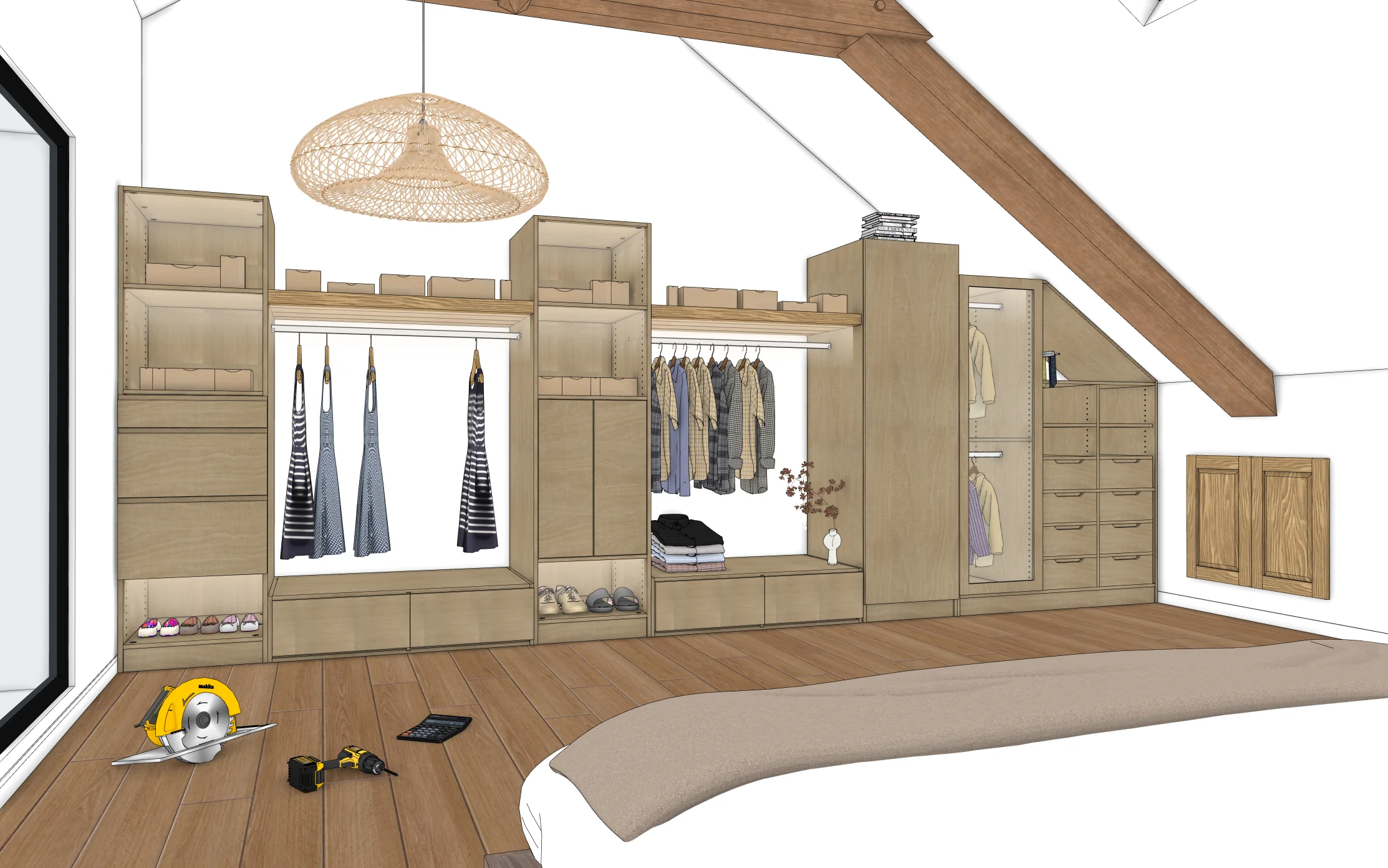
Once again, Adebeo's DNA shines through: enthusiasts serving and listening to other enthusiasts who live in their workshop. From the very first AD Wood briefing, I knew this was the software I had been waiting for. And developed by Adebeo on top of that… simply the best!
With AD Wood, I save a huge amount of time between design and manufacturing. Even Pinocchio was never produced this fast.
With AD Wood, I can finally build a piece of furniture without a paperclip, chewing gum or a Swiss Army knife.
Find a certified partner near you or become a reseller adwood-reseller@adebeo.com
For over 15 years, Adebeo has been training professionals in SketchUp, supporting carpenters, cabinetmakers, fitters and wood furniture manufacturers. Drawing on this field experience, we designed AD Wood: an extension pack tailor-made for woodworking professions, from design to production.
SketchUp is a powerful software for modeling any project in 3D. But woodworking professions have their own constraints: panel and grain direction management, standardized hardware, traditional joinery, CNC machining, material bills of materials. That's why AD Wood was designed as a true trade tool, built to speed up the transition from design to workshop — while ensuring the technical precision required for manufacturing.
52 tools to design, quote and produce faster
The pack includes 52 specialized tools organized into 8 main categories:
Each tool is represented by a clear and intuitive icon, for immediate learning. All have been designed to speed up 3D modeling, secure manufacturing and allow you to focus on what matters: design, assembly and enhancing wood.
A trade tool, an expert's vision
With AD Wood, you gain in speed, work comfort and production reliability. You standardize your processes, secure your CNC exports and free up time for design. It's a distillation of 15 years of SketchUp experience serving the wood industry.
AD Wood is compatible with SketchUp Pro and Studio 2025 and all later versions, on both Windows and macOS. We recommend using the latest version of SketchUp to take full advantage of all features. AD Wood does not work on smartphones, tablets, or the web version.
The pack includes 52 specialized tools organized into 8 categories: panels, cabinetmaking, solid wood, hardware, machining, CNC, lighting and modeling. Each tool is accessible directly from the SketchUp toolbar.
The free trial gives you access to all tools for 7 days. After this period, simply purchase a full license from one of our partner resellers.
AD Wood is designed for woodworking professionals who know the basics of SketchUp. You should be familiar with navigation and basic drawing (rectangle, circle, push/pull, materials) in SketchUp before using the extension.
The AD Wood license is personal and tied to a single user and machine. The subscription is transferable, meaning you can deactivate it on one machine and activate it on another. Contact our resellers who can offer packages suited to your needs.
Yes! Every tool has a video tutorial accessible directly from the extension via the Instructor button. Our support team is also available to assist you whenever needed.
No. AD Wood is a SketchUp extension and cannot function without it.
AD Wood is a subscription, which allows you to pay less and receive regular updates.
Your reseller handles basic support for the extension, including simple installation issues. For bugs, the AD Wood technical team takes over.
Feel free to contact AD Wood to submit your request.
Yes, AD Wood includes tools dedicated to CNC (machine origin, project info, SVG, DXF, GCODE exports) allowing you to prepare your machining directly from SketchUp.
Yes, each panel and solid wood piece carries its attributes (dimensions, grain direction, material). Hardware is parametric and can be modified in bulk.