
Panels
Panel Renamer
Rename panels, components and groups in the model by clicking on them — displays an overlay label with the current name and opens a dialog to assign a number and description.
Rename panels, components and groups in the model by clicking on them — displays an overlay label with the current name and opens a dialog to assign a number and description.
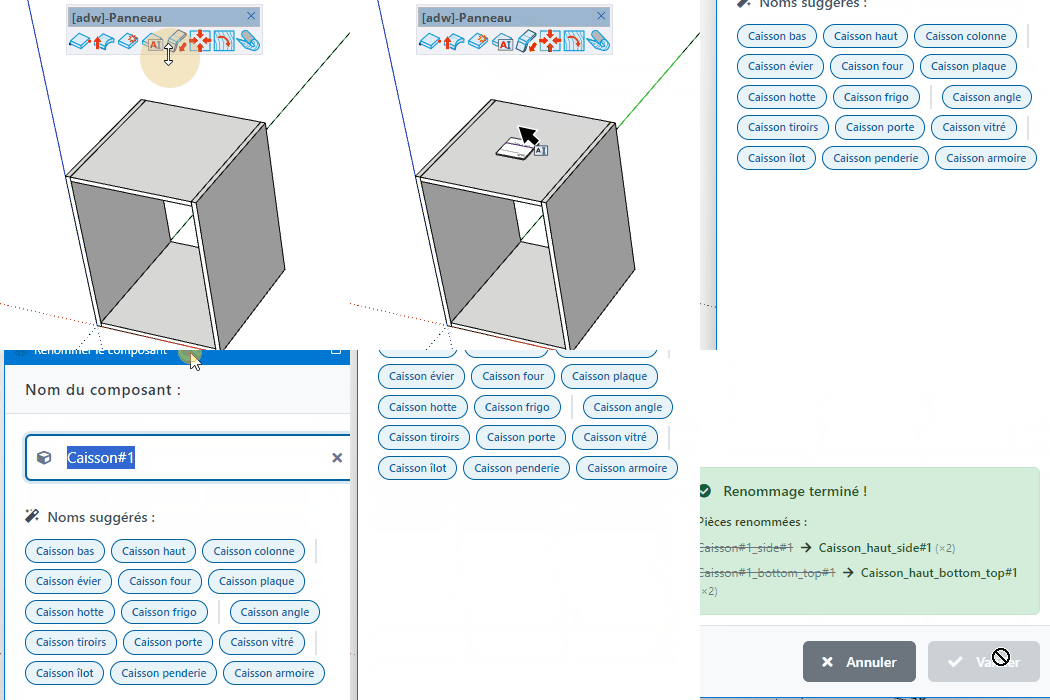
Rename panels, components, and groups in the model by clicking on them — displays an overlay with each component's current name and opens a dialog to assign a number and description.


