
Hardware
Remove Assembly Tool
Remove assembly parts (dowels, screws, connectors…) placed on panels by hovering over the closest part then clicking.
Remove assembly parts (dowels, screws, connectors…) placed on panels by hovering over the closest part then clicking.
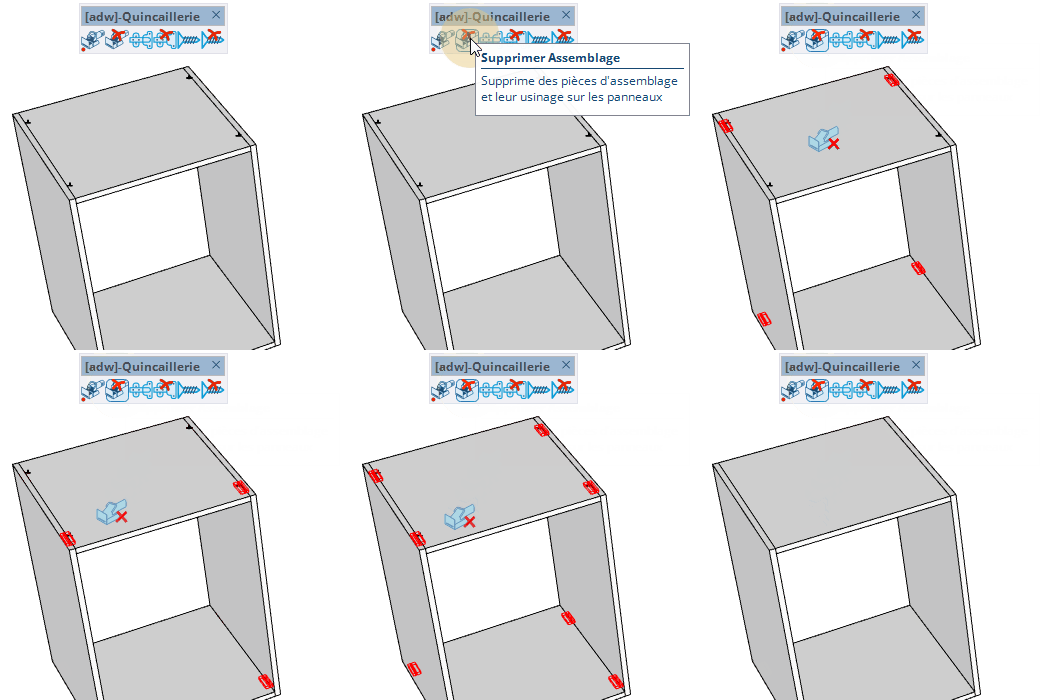
Remove assembly parts (dowels, screws, connectors...) from panels by hovering the nearest part and clicking.


