
CNC
Project Info
Enter and edit your project information: client contact details and project data (number, delivery address, notes). Data is saved in the SketchUp model.
Enter and edit your project information: client contact details and project data (number, delivery address, notes). Data is saved in the SketchUp model.
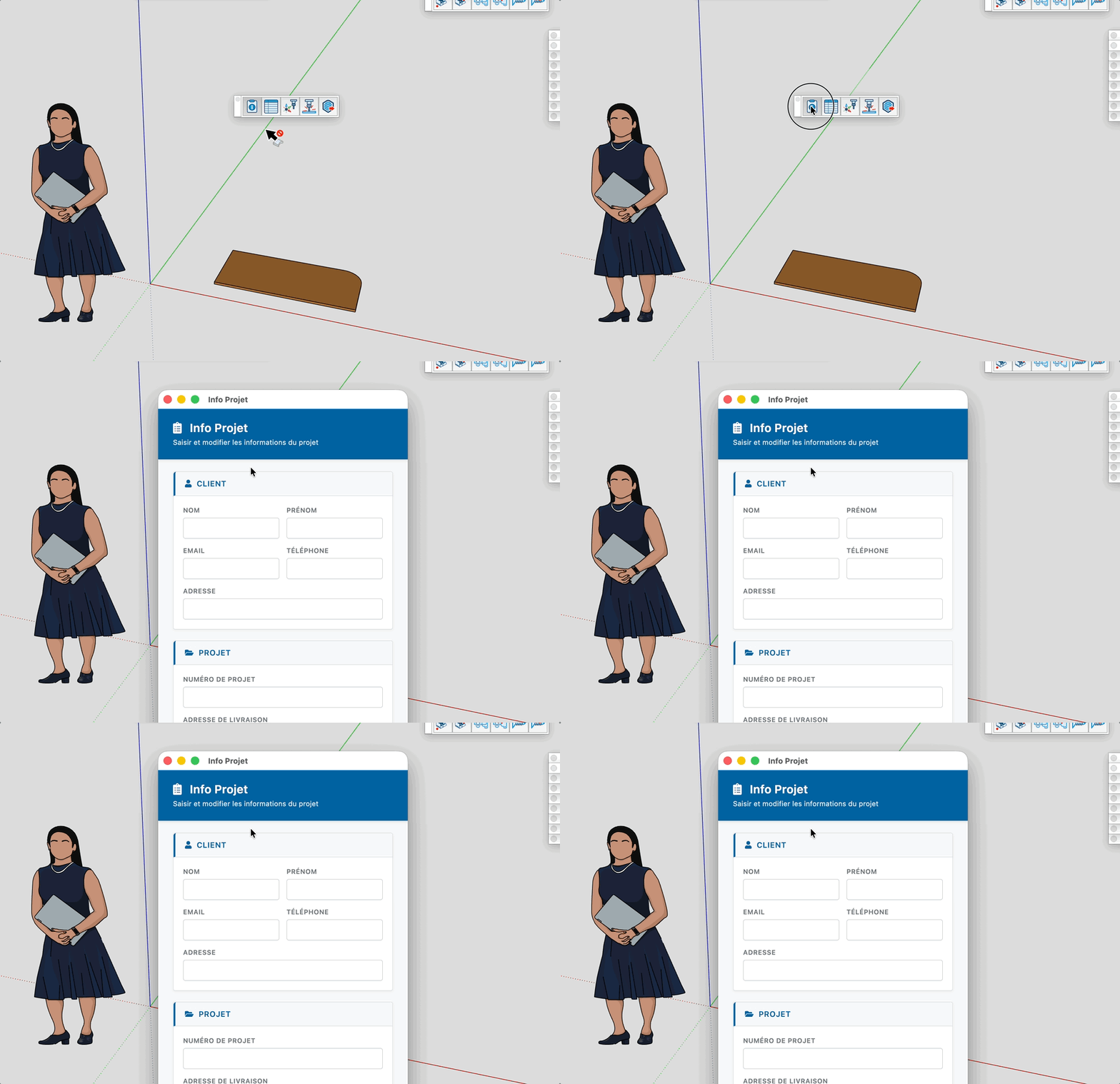
Enter and edit your project information: client details (name, email, phone, address) and project data (number, delivery address, delivery instructions, notes). Data is saved in the SketchUp model.


