Door Animator
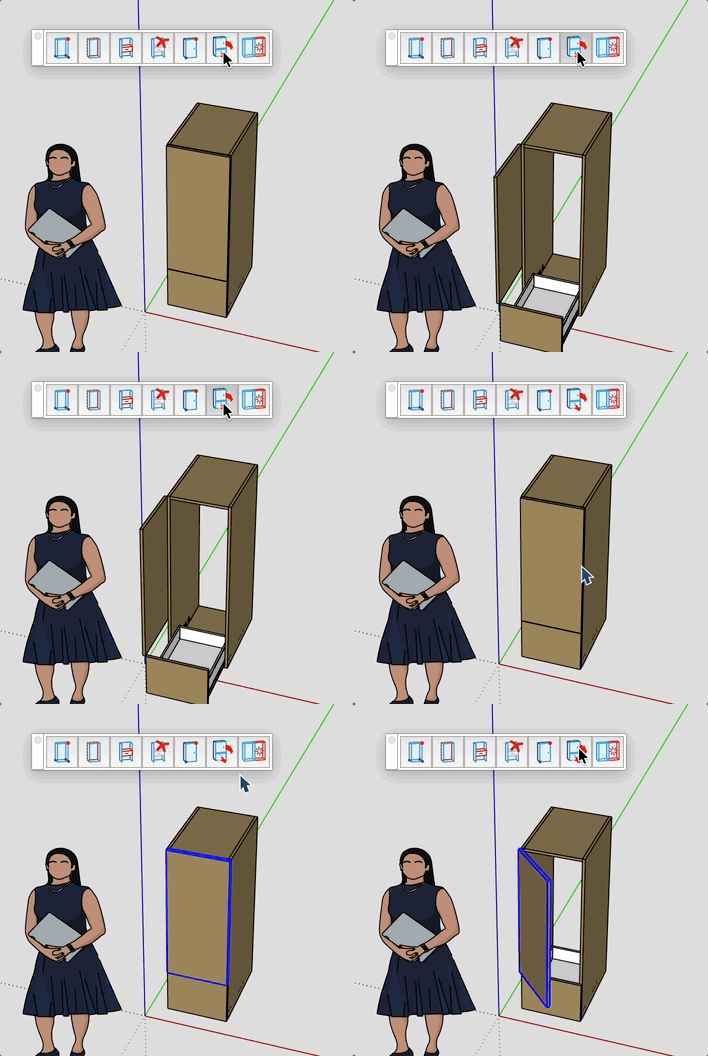
Animate the opening and closing of doors, drawers, and dressing-door components in your model.
How it works
- (Optional) Select one or more doors, drawers, or cabinets.
- Click the Door Animator button in the toolbar.
- Selected items are animated over 30 frames — each activation toggles their state (closed ↔ open).
Keys
- Esc = Cancel the operation (animation runs to completion; use Ctrl+Z to undo).
Tips
- If no selection is made, the tool animates every door in the model.
- Works with panels (rotation around the stored hinge axis), drawer groups (vertical translation), and dressing-door components (horizontal sliding).
- Rotation axes and origins are pre-computed in world space before the animation starts, so pivots stay fixed.
- Ideal for presentations and design reviews.